Buyer's Guide
The Complete Guide to
New Construction Upgrades
You just signed a contract on a new home. Now comes the fun part: choosing the finishes that make it yours. This is what we wish someone had told us before our first design center appointment.
March 2026 · Finch
$104K–$236K
Upgrade revenue per home
8–25%
Share of total home price
8+
Upgrade categories at most builders
New Home Upgrade Categories
Most builders organize their upgrades into eight or more categories. You'll make selections in each one during your design center appointment.
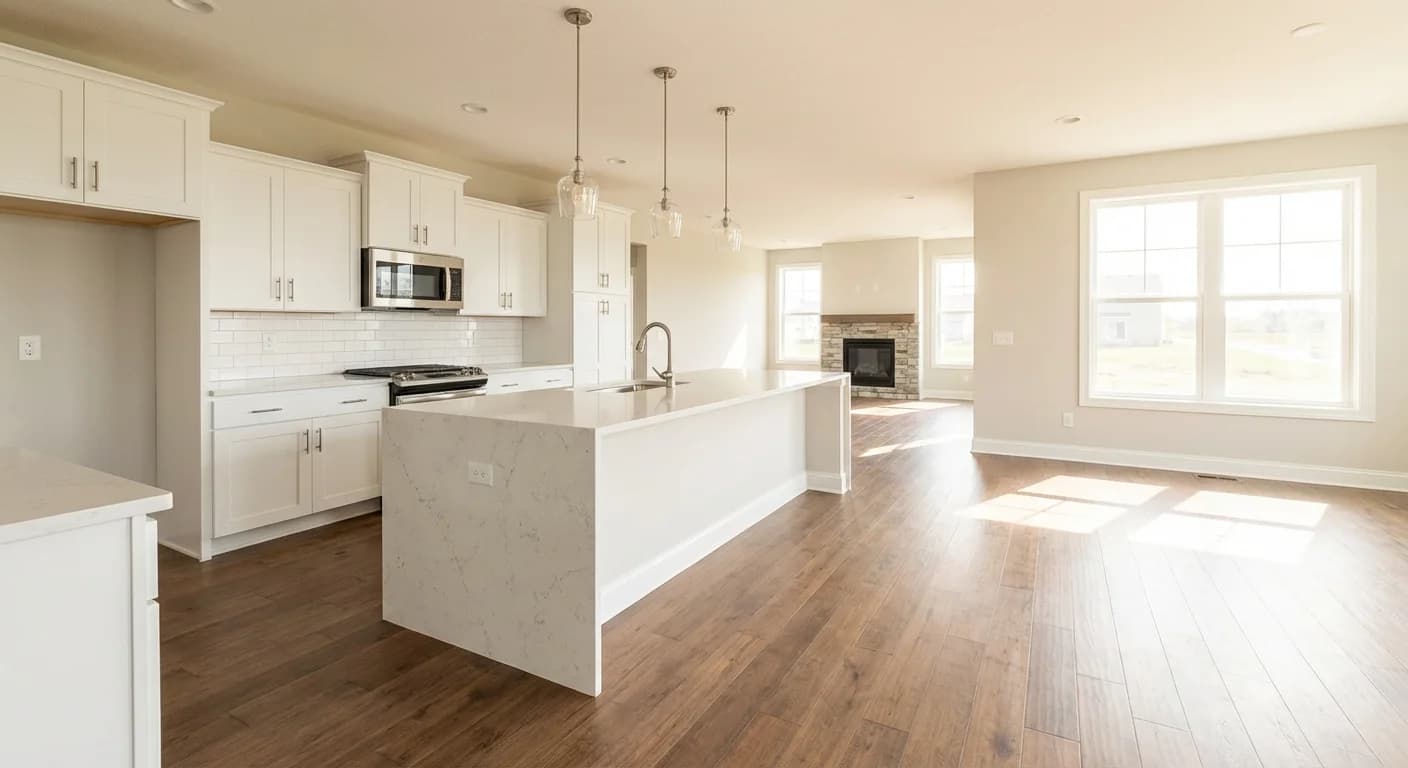
Kitchen and living room
Cabinets, countertops, flooring, backsplash, hardware, and lighting. Six categories working together in one room.
Cabinets
Kitchen and bathroom cabinets are usually the biggest visual change you can make to a room. Standard cabinets get the job done, but upgraded options (soft-close drawers, dovetail joints, different wood species) make a kitchen look like a completely different house. If you’re going to spend in one place, this is a good one.
Countertops
Granite, quartz, marble, or laminate. Countertops are the second-biggest visual impact after cabinets, and the two need to work together. You’ll pick a surface material and a color or pattern. Take your time here because you’ll look at your countertops every single day.
Flooring
Hardwood, luxury vinyl plank (LVP), tile, and carpet. Most builders split this into “main area flooring” for your kitchen, living room, and hallways, and separate carpet selections for bedrooms. You walk on it every day and you’ll notice it every day, and it’s one of the more expensive upgrades to change after you move in.
Paint
Wall colors, accent walls, and trim color. Most builders include a base paint package and charge for upgrades beyond their standard palette. Paint is one of the easiest things to change later, so don’t stress about this one too much. That said, getting it right from the start saves you a weekend with a roller.
Backsplash
Kitchen backsplash (and sometimes bathroom). You’ll choose from tile patterns, subway tile, mosaics, and other options. This is often a smart upgrade because adding a backsplash after closing means working around cabinets and countertops that are already installed. Getting it done during construction is cleaner and cheaper.
Hardware & Fixtures
Cabinet pulls, faucets, showerheads, towel bars. Cheap to upgrade, and you’ll notice it every time you open a cabinet or wash your hands. Swapping builder-grade chrome for brushed nickel or matte black hardware costs a few hundred dollars and makes the whole kitchen look more intentional.
Appliances
Range, refrigerator, dishwasher, microwave. You’ll decide between options like slide-in vs. freestanding ranges, or built-in vs. standard refrigerators. Some builders include base appliances in the price of the home. Others charge for everything. Ask your sales rep what’s included before your appointment.
Lighting
Recessed lighting, pendant fixtures, under-cabinet lighting, and electrical upgrades like additional outlets or pre-wiring for ceiling fans. Electrical work is structural. Adding recessed lights or moving outlets after the drywall is up is a much bigger project than doing it during construction.
The One Rule That
Saves You Money
Every upgrade falls into one of two buckets: structural or cosmetic. The difference matters more than most people realize when they're deciding where to spend.
Structural upgrades happen while the house is being built. Electrical work (extra outlets, pre-wiring for ceiling fans, recessed lighting), plumbing (rough-in for a future bathroom, tankless water heater), and framing changes (vaulted ceilings, additional windows). Once the walls are closed up, these become major renovation projects. If you think you might want them, now is the time.
Cosmetic upgrades are the finishes: paint, countertops, flooring, cabinets, hardware. You can technically change these after you move in. But doing it later typically costs 2-3x more because you're paying retail pricing, labor, and demolition of whatever's already there.
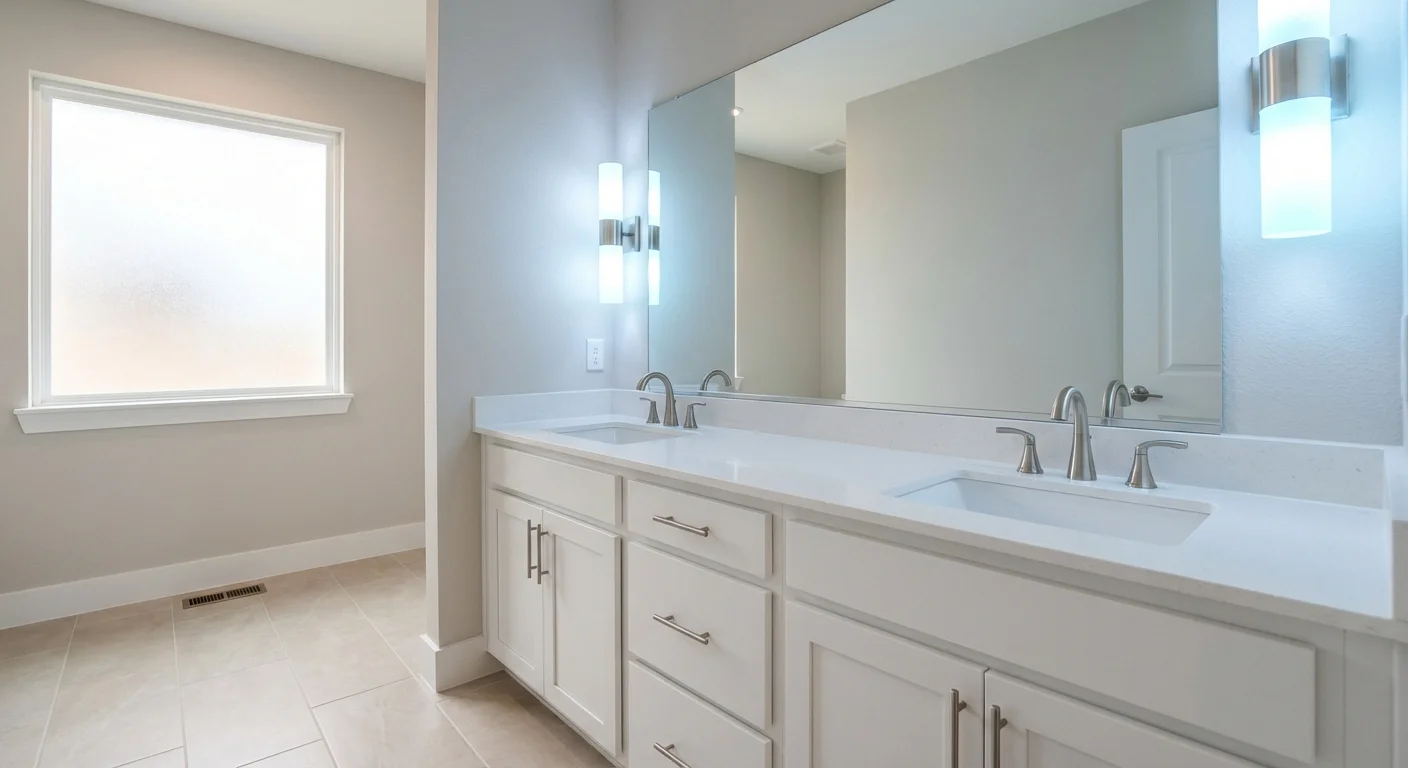
The practical approach
Start with structural upgrades you can't redo. Then prioritize cosmetic upgrades that would be expensive or disruptive to change later (flooring, countertops, cabinets). Save the things that are easy and cheap to swap anytime (paint, hardware, light fixtures) for last.
Vanity, countertop, faucet, hardware. Four cosmetic decisions in one bathroom. Changing any of them after closing means ripping out what's already installed.
What Builders Know About
Upgrade Revenue
Public home builders report their upgrade numbers in SEC filings, and the numbers are worth knowing. Toll Brothers earns about $203,000 per home in options and upgrades, which is 20.8% of their average selling price. PulteGroup earns around $104,000 per home (15.1% of ASP). Across 14 public builders, upgrades represent somewhere between 8% and 25% of the total home price.
The categories that consistently drive the most upgrade revenue are kitchen (cabinets and countertops), flooring, and bathroom fixtures. That tracks with what most buyers experience at the design center: those are the selections where the price difference between standard and upgraded is the largest.
The upgrades that cost the most are usually the ones that add the most value to the home, because they're the ones future buyers notice too. A nice kitchen sells a house. Fresh paint is expected.
What to Know Before Your
Design Center Appointment
The design center is where you choose all the finishes for your new home. Most people walk in not knowing what to expect.
Plan for 2–4 hours
Some builders schedule multiple visits. You’re making decisions across eight or more categories, so it takes a while. Don’t rush it, and don’t schedule anything immediately after.
You’ll work with a design consultant
They walk you through each category, show you samples, and explain the options. They do this every day and they’re a great resource. Ask questions.
Everything starts at “included”
Most builders have a base level for each category that’s included in the price of your home. Upgrades are priced as the difference between the base option and what you choose. A $4,000 countertop upgrade means the upgraded countertop costs $4,000 more than what’s already included.
The running total adds up fast
You’ll see your upgrade total grow as you make selections. Expect to be surprised by how quickly it climbs. Going in with a budget range for upgrades (not just “we’ll see how it goes”) helps you make tradeoffs without feeling overwhelmed.
Take photos of everything
You’ll look at dozens of samples across multiple categories. It’s hard to remember exactly which granite slab or cabinet door style you liked when you’re comparing eight options. Take a photo of every sample you’re considering.
We also have builder-specific guides for Pulte Homes, with more builders coming soon.
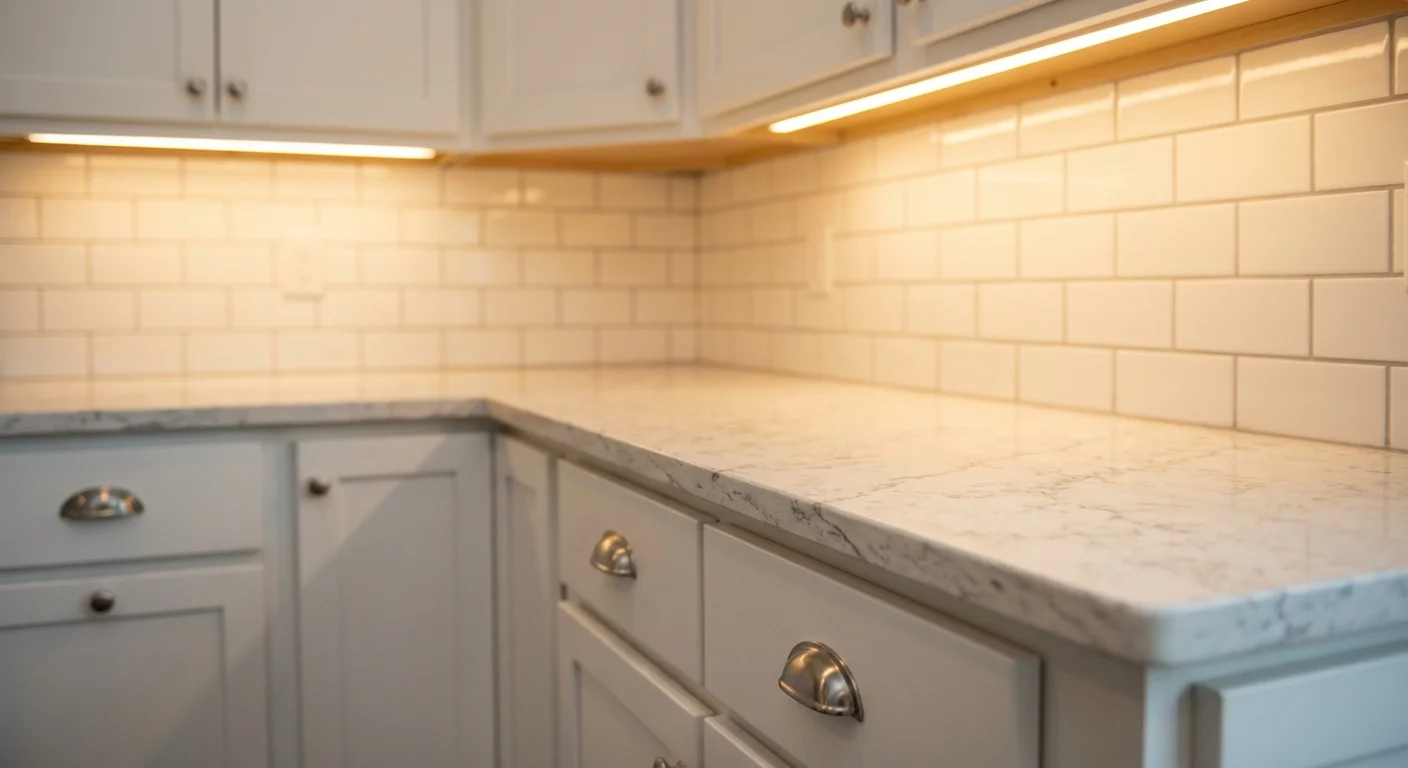
Preview your selections before you go
Where cabinet meets countertop meets backsplash. This is the junction you're trying to picture from a 4-inch sample. Finch is a tool that lets you pick finishes from real swatches and generates a photo of the room with your selections applied. You can try a demo to see how it works. The demo uses sample finishes, not your builder's actual catalog, but imagine the same thing with your real floorplan and your builder's real options. If your builder doesn't offer it yet, it's worth asking about.
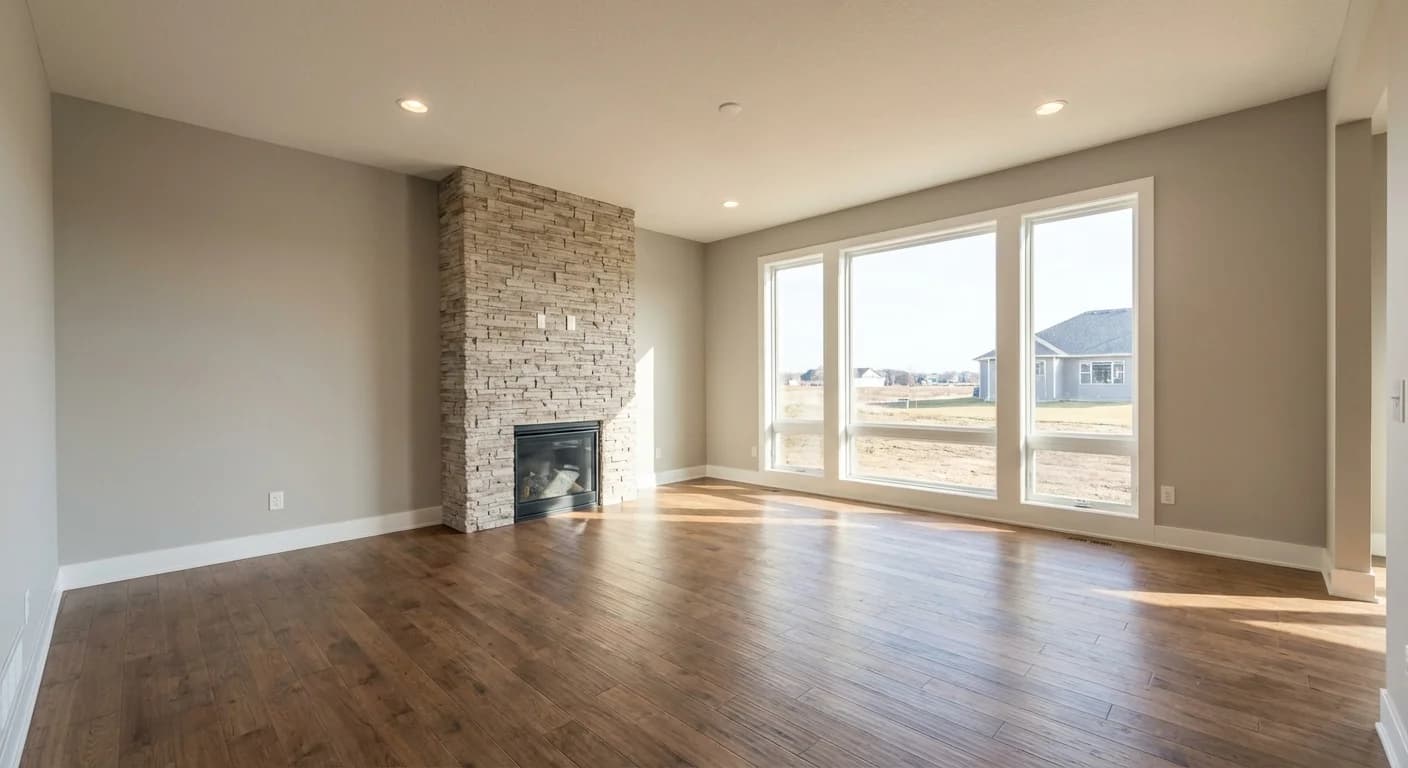
What If You Could See Your
Upgrades Before You Buy?
Finch lets you pick from real finish swatches and generates a photo of the room with those selections applied. The demo below uses sample finishes, but it shows you what the experience is like when a builder offers Finch with their own catalog and floorplans.
If your builder offered this with your actual options and floorplan, you'd walk into your appointment knowing exactly what you want.
Are you a builder? See how Finch works with your catalog