Design Center Guide
The Arbor Homes Design Center:
What to Expect
You signed the contract. Now comes the fun part: choosing every finish at the Arbor Homes Design Center. It's a 3,200 square foot showroom in Indianapolis where you'll pick cabinets, countertops, flooring, and everything else that makes the house feel like yours. Here's what to expect.
March 2026 · Finch
What the Appointment
Is Like
One showroom, two brands. Arbor Homes runs a single Design Center in Indianapolis that serves both Arbor and its sister brand, Silverthorne Homes. It's a showroom with physical samples of every finish available for your floor plan. If you want to get a feel for the space before your appointment, Saturdays from 9 AM to 1 PM are open for browsing without a scheduled time.
Plan for 2 to 3 hours. Your formal appointment is on a weekday, typically scheduled a few weeks after you sign your purchase agreement. Don't schedule anything right after. The last thing you want is to feel rushed when you're picking the countertop you'll look at every morning.
Contract holders only. Arbor has a strict policy that only the people on the contract are allowed at the appointment. No children, no family members, no friends. It's a focused environment with heavy samples and display boards, and they want you making decisions without distractions.
Everything starts at "included." You'll work with a design consultant who walks you through every category and shows you physical samples. Each category has a base finish already in the price of your home. Upgrades are priced as the difference above that base option, and you'll see the total grow as you go through each category. After your appointment, you can review everything you picked on the HomeBuildingJourney.com portal.
What You'll Choose From
Arbor organizes selections into about 9 main categories. The exact options vary by community and floor plan, but here's what most buyers walk through at the Design Center.
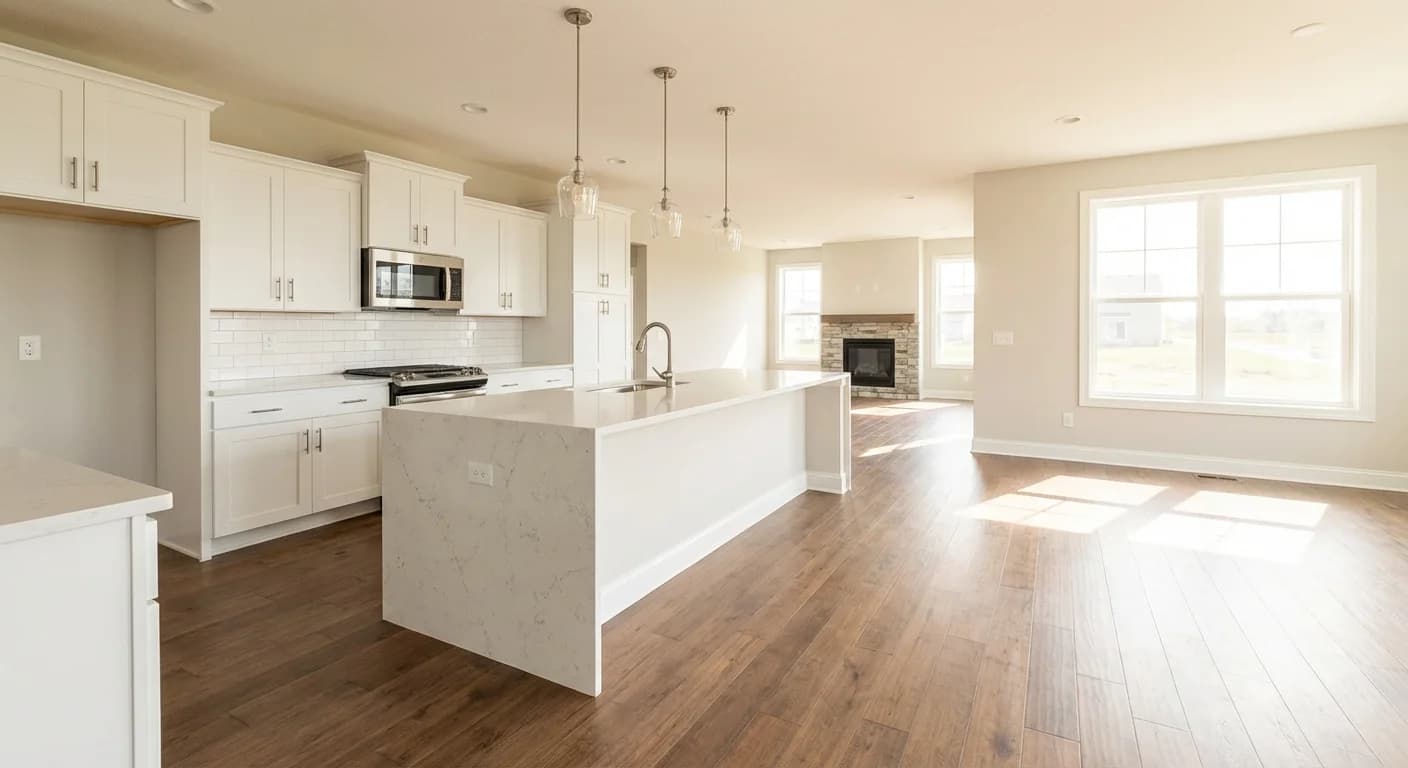
Kitchen and living area
Cabinetry, countertops, flooring, lighting, and appliances all come together in one room.
Cabinetry
Kitchen and bathroom cabinets starting with Merillat oak as the included option. Upgrades open up different door styles, painted finishes, and stain colors. On an Arbor home, cabinets are one of the biggest visual upgrades you can make because the jump from the standard oak to a painted or stained style changes the entire feel of the kitchen.
Countertops
Laminate countertops are included in the base price, with upgrades to granite and quartz available. You’ll pick a material, a color or pattern, and an edge profile. The difference between laminate and stone is one of the most noticeable upgrades in the house, so this is worth spending time on.
Flooring
Shaw carpet and Armstrong vinyl are the included options, with upgrades to hardwood, luxury vinyl plank, and tile available for different areas of the house. Flooring is one of the more expensive categories and one of the most disruptive to change after you move in, so get it right now if you can.
Interior Paint
A standard neutral color is included. Two-tone color options, where you choose different colors for walls and trim or for different rooms, are available as an upgrade. Paint is one of the easiest things to change later, so don’t stress too much here.
Plumbing Fixtures
Moen fixtures are included, with upgrades available in different finishes like brushed nickel, matte black, or oil-rubbed bronze. This covers faucets, showerheads, and coordinating bathroom hardware. Matching your fixture finish across kitchens and bathrooms gives the house a more pulled-together look.
Lighting
A designer lighting package is included. Upgrades add options like recessed can lights, pendant fixtures, under-cabinet lighting, and ceiling fans. Electrical work is structural, so adding can lights or fan boxes later means opening up the ceiling.
Appliances
GE appliances are included in the base package. Upgrade packages are available with different brands, finishes, and feature sets. What’s included varies by community, so ask your sales counselor before your appointment so you know your starting point.
Exterior Finishes
Vinyl siding with a choice of colors is the standard. Upgrades to HardiePlank fiber cement siding are available and add a different look and feel to the exterior. You’ll also choose exterior trim colors and any accent details.
Doors & Trim
Six-panel interior doors are included, with upgrades to different panel styles and finishes. This category also covers trim profiles like baseboards and casing. A small change that quietly affects every room in the house.
How to Prepare for
Your Appointment
A little prep goes a long way. People who walk in with a plan spend less time agonizing and more time getting excited about their home.
Browse on a Saturday first
Arbor’s Design Center is open Saturdays from 9 AM to 1 PM for walk-in browsing, no appointment needed. Take advantage of this. Seeing the samples in person before your formal weekday appointment gives you a head start and means fewer surprises when the clock is running.
Set a budget range for upgrades
Not a vague “we’ll see how it goes” but an actual number. With Arbor’s price range, upgrades can add up fast because the base finishes are designed to hit that affordable price point. Knowing your ceiling before you walk in makes it easier to decide where to spend and where to hold back.
Know what’s hard to change later
Electrical work, plumbing rough-ins, flooring, and cabinets are all expensive or disruptive to change after you move in. Paint, hardware, and light fixtures are easy to swap anytime. If your budget is tight, prioritize the things you can’t easily redo.
Bring inspiration photos
Screenshots from Pinterest, Houzz, or Instagram give your design consultant a starting point for your taste. You don’t need a mood board. A few photos of kitchens or bathrooms you like is plenty.
It’s contract holders only
Arbor’s policy is firm on this: only the people on the contract are allowed at the Design Center appointment. No kids, no parents, no friends. If you need another opinion, talk through your options with them before you go and share photos after. The HomeBuildingJourney.com portal also makes it easy to review everything you picked.
Take photos of everything you pick
Front and back of samples, the label with the name and level, the manufacturer info. You’ll look at dozens of options across all categories, and they blur together fast. Photos are your insurance.
Selections are final
After your Design Center appointment, your selections are locked in. Some changes may be possible early in construction, but don’t count on it. Take your time during the appointment and make sure you’re comfortable with every choice before you sign off.
Where to Spend and
Where to Save
Not all upgrades are created equal, and on an Arbor home this matters more than most. Because the base package is designed to hit an affordable price point, the gap between what's included and what's upgraded is more noticeable than it might be at a higher-priced builder. Laminate to quartz countertops, oak cabinets to a painted style, vinyl to luxury vinyl plank. Each of those jumps makes a real visual difference.
Do it now: Flooring, cabinets, countertops, and any electrical work like can lights or extra outlets. These are either structural (behind walls) or disruptive to replace once you're living there. If you're going to upgrade anything, start with these.
Can wait: Paint, door hardware, and basic light fixtures. These are all relatively easy and inexpensive to change later. If you need to trim your upgrade budget, these are the categories to pull back on.
The kitchen drives most of the upgrade spend for a reason: cabinets, countertops, and appliances all live in one room, and they all need to work together. Most buyers put about half their upgrade budget toward the kitchen and split the rest between bathrooms and everything else. For a deeper look at each category and what's worth the money, see our complete guide to new construction upgrades.
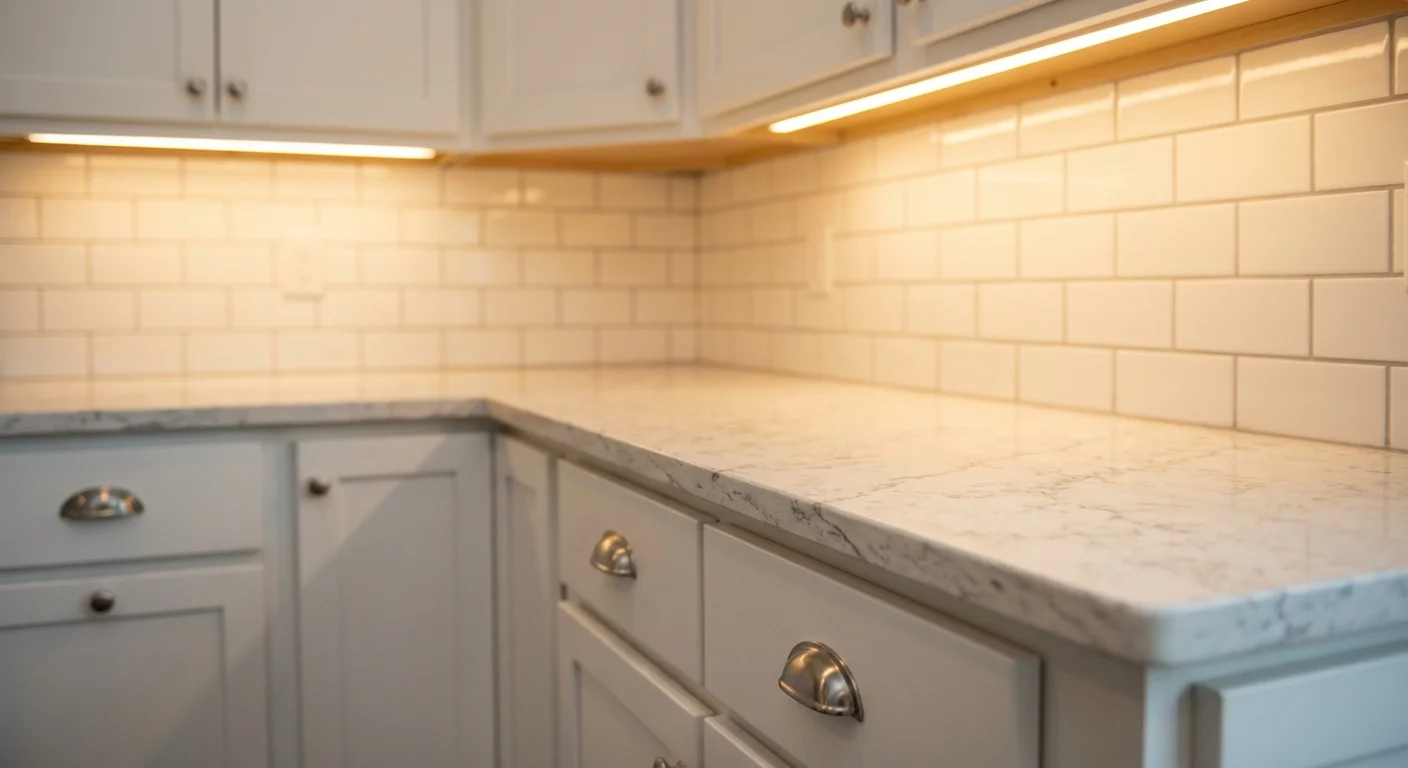
The junction that matters
Where cabinet meets countertop meets backsplash. This is the combination you're trying to picture from three separate samples on a shelf. Getting these right together is more important than getting any one of them right individually. That's exactly what Finch does: you pick finishes and it generates a photo of the room with those selections applied. You can try a demo with sample finishes to see how it works.
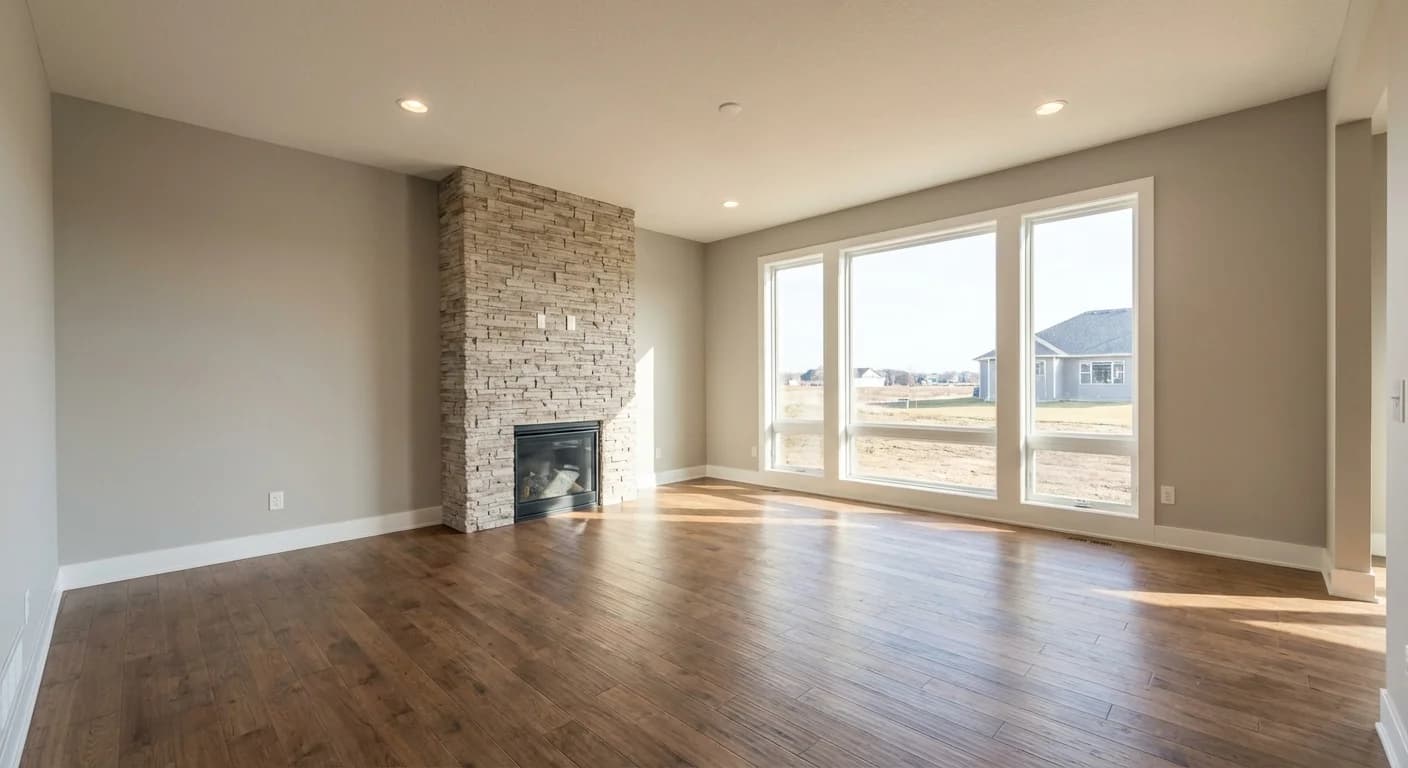
See What Your Upgrades
Could Look Like
The hardest part of the Design Center is picturing how everything looks together. You're choosing from small samples and trying to imagine them in a full room.
Finch solves that. You pick finishes from real swatches and it generates a photo of the room with your selections applied. The demo below uses sample finishes, not Arbor's actual catalog, but it shows you what the experience looks like. Imagine doing this with your real floorplan and the actual options from the Design Center.
Are you a builder? See how Finch works with your catalog
The Design Center is the best part of building a new home. You get to choose everything, and when it's done right, you walk into a house that feels like yours from day one. The trick is going in prepared, knowing where to invest, and being able to picture how it all comes together. That last part is what Finch was built for. You can try the demo to see what it's like, and if you want the real thing with your builder's catalog, it's worth mentioning to your sales rep.